
Sell
Holders & Deployer
The control panel separates sell controls for Holders and Deployer.
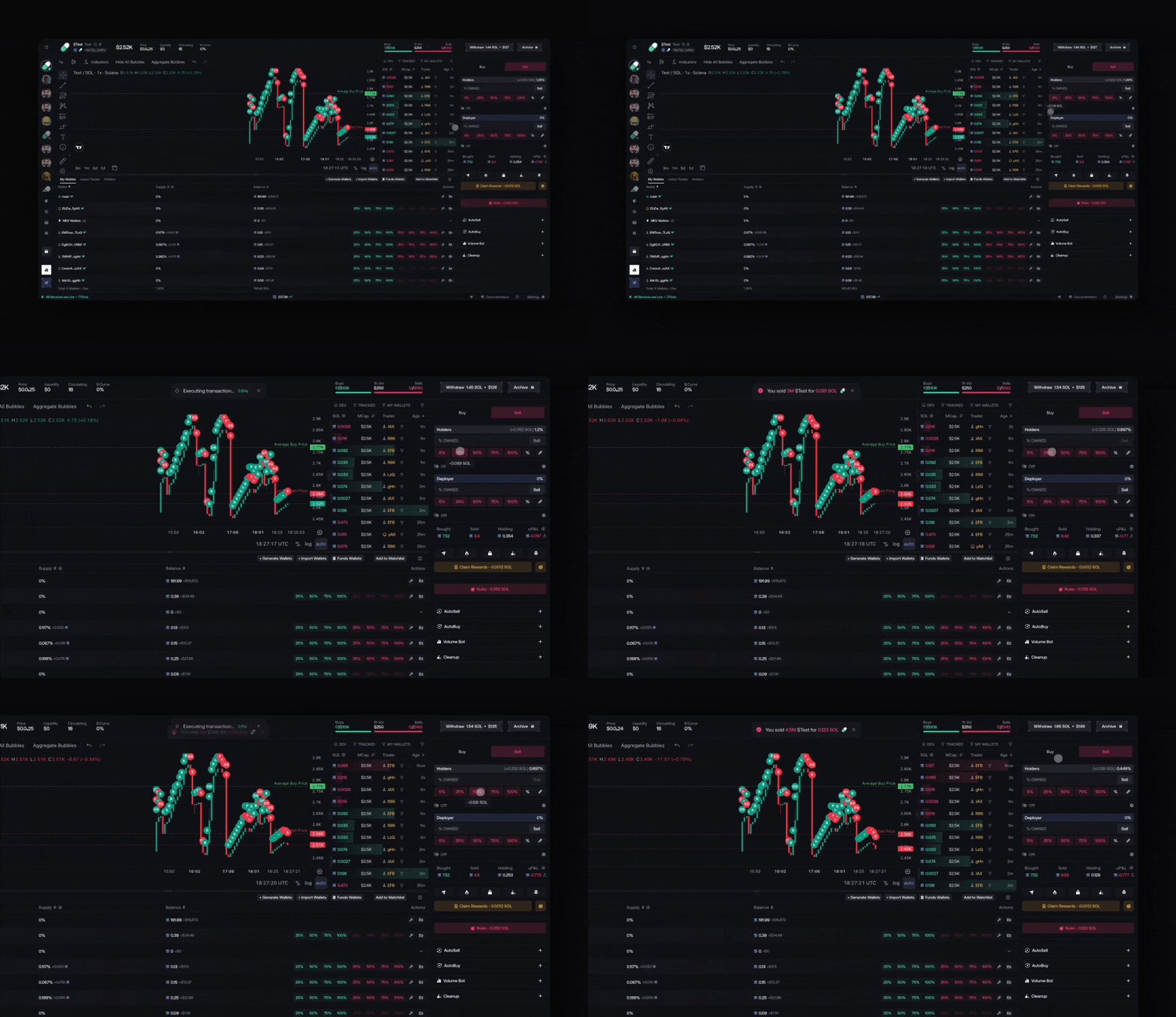
Each section displays:
- % of Supply Owned
- Input Fields and Sell Button
- Quick buttons: 5%, 25%, 50%, 75%, 100%
- Switch Between inputs format in ”% Owned” or ”% of Supply”
- Edit quick buttons (pencil icon)
Per-Wallet Sell
Each wallet in the wallet table has an individual Sell button with quick preset buttons.
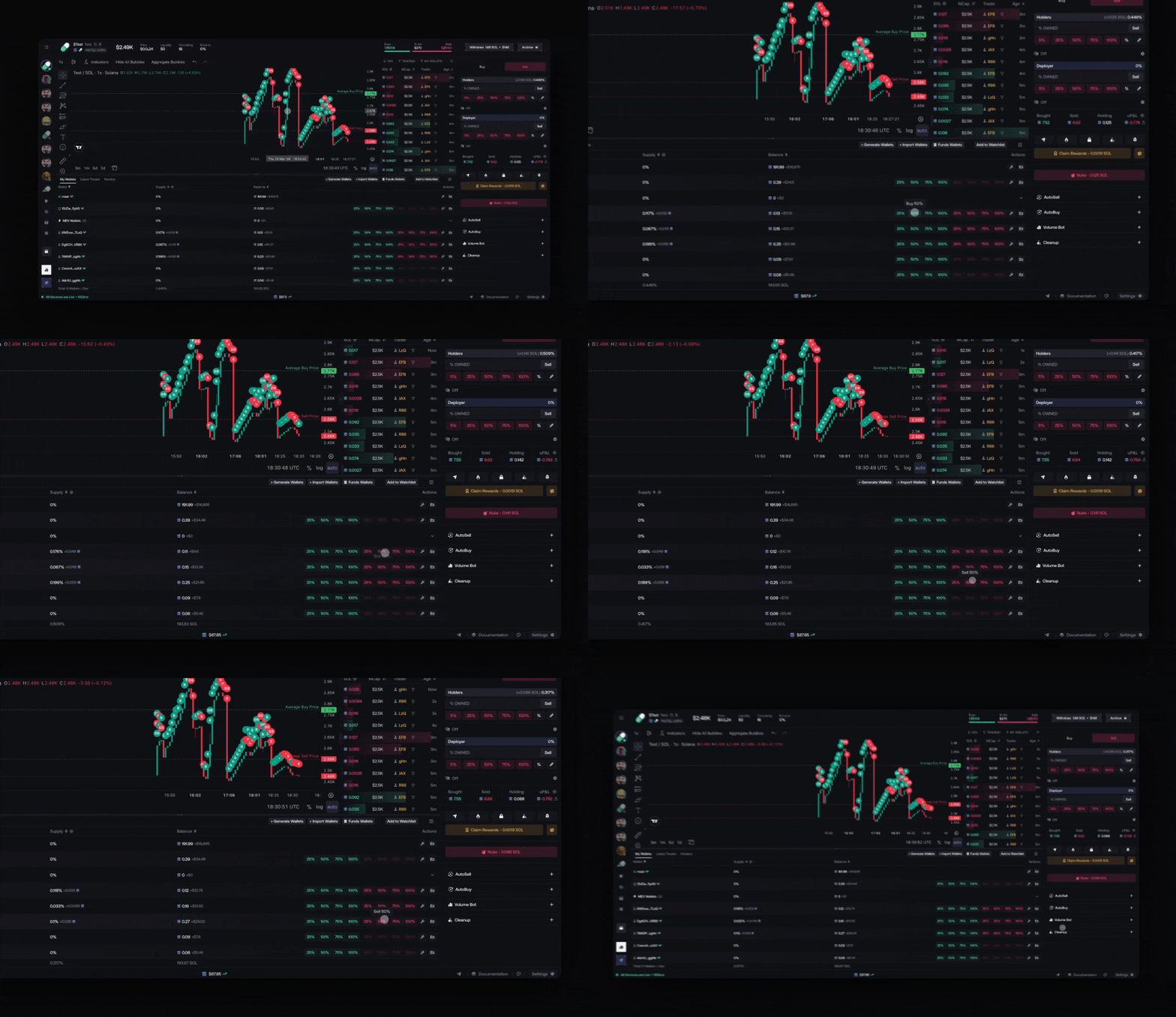
Per-wallet instant sell must be enabled in Settings > Trade Wallets > Individual Instant Sell. Once enabled, preset values (e.g. 25, 50, 75, 100) can be customized.
Sell Settings
Click the gear icon to open Sell Settings.
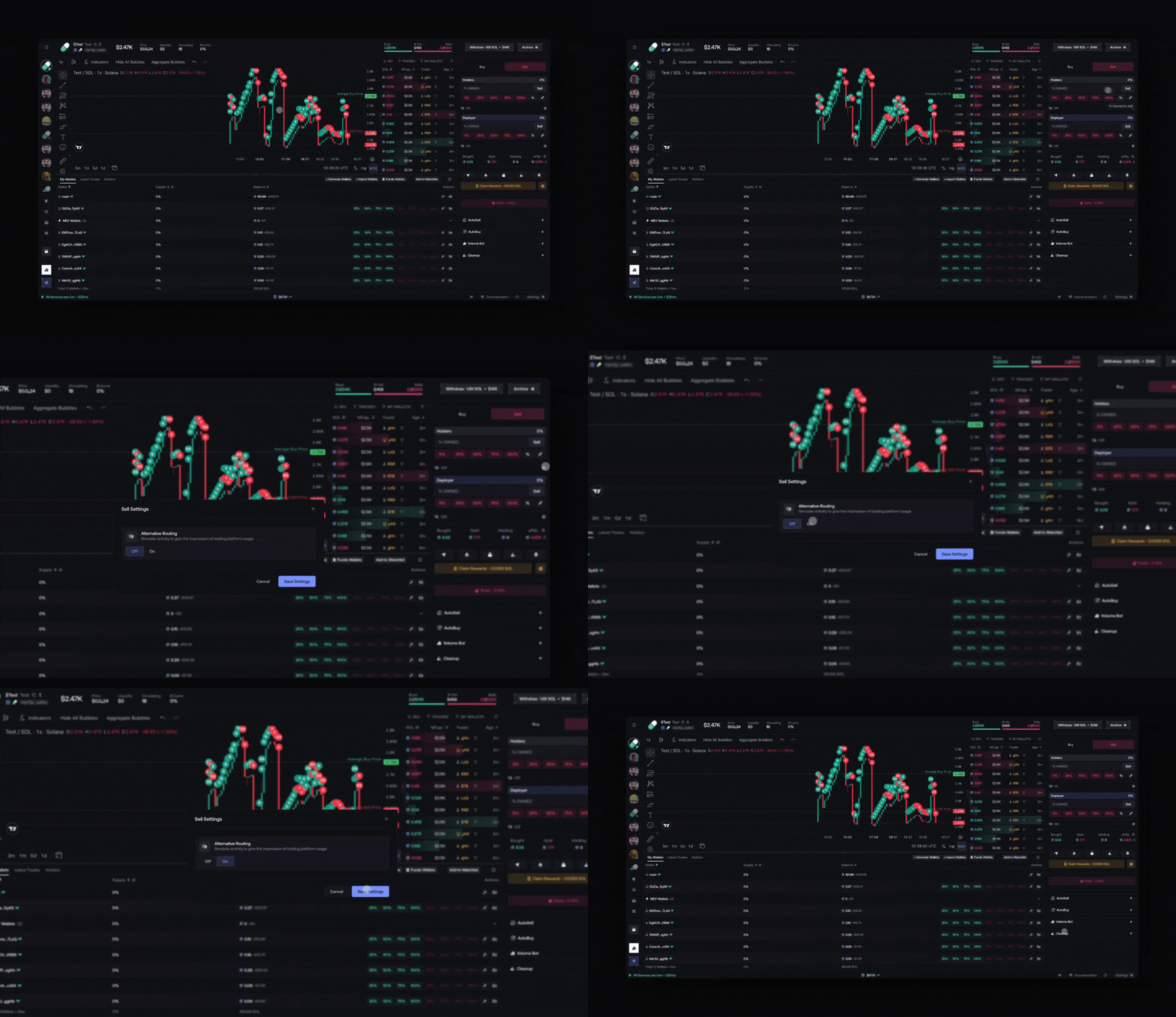
Alternative Routing
Adds alternative transaction patterns to sell executions. Toggle On / Off.
Related Settings
These settings affect sell behavior globally. Access them from Settings in the bottom bar.
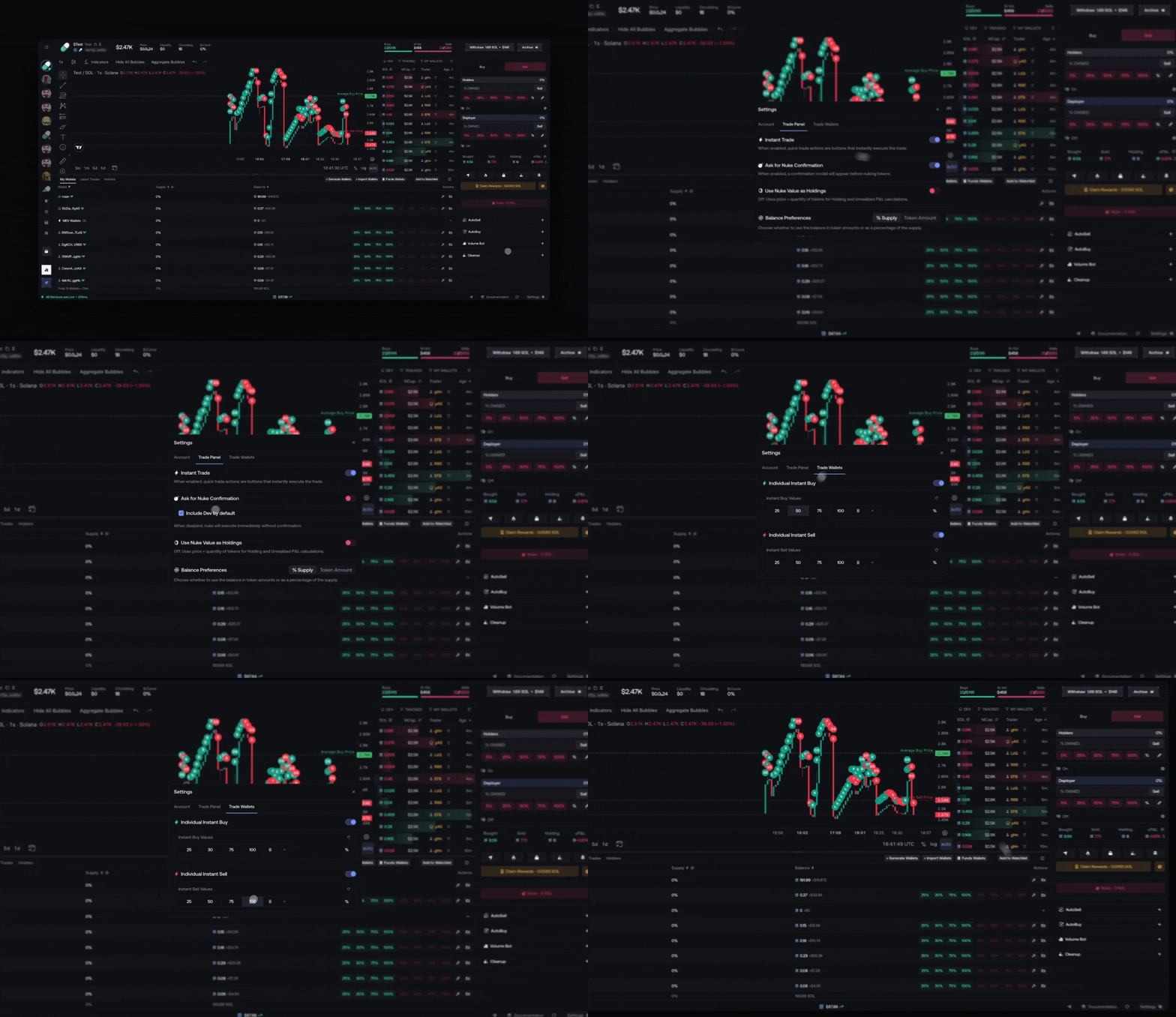
Trade Panel
- Instant Trade: Quick trade buttons execute immediately without confirmation
- Ask for Nuke Confirmation: Adds a confirmation modal before executing Nuke
- Use Nuke Value as Holdings: Switches P&L calculation between price × quantity and nuke value
- Balance Preferences: Display balances in % Supply or Token Amount
Trade Wallets
- Individual Instant Sell: Enable instant sell per wallet with customizable preset values (e.g. 25, 50, 75, 100)
- Preset values can be edited: add, remove, or modify the percentage buttons
Nuke
Executes a full sell across all wallets in a single action.
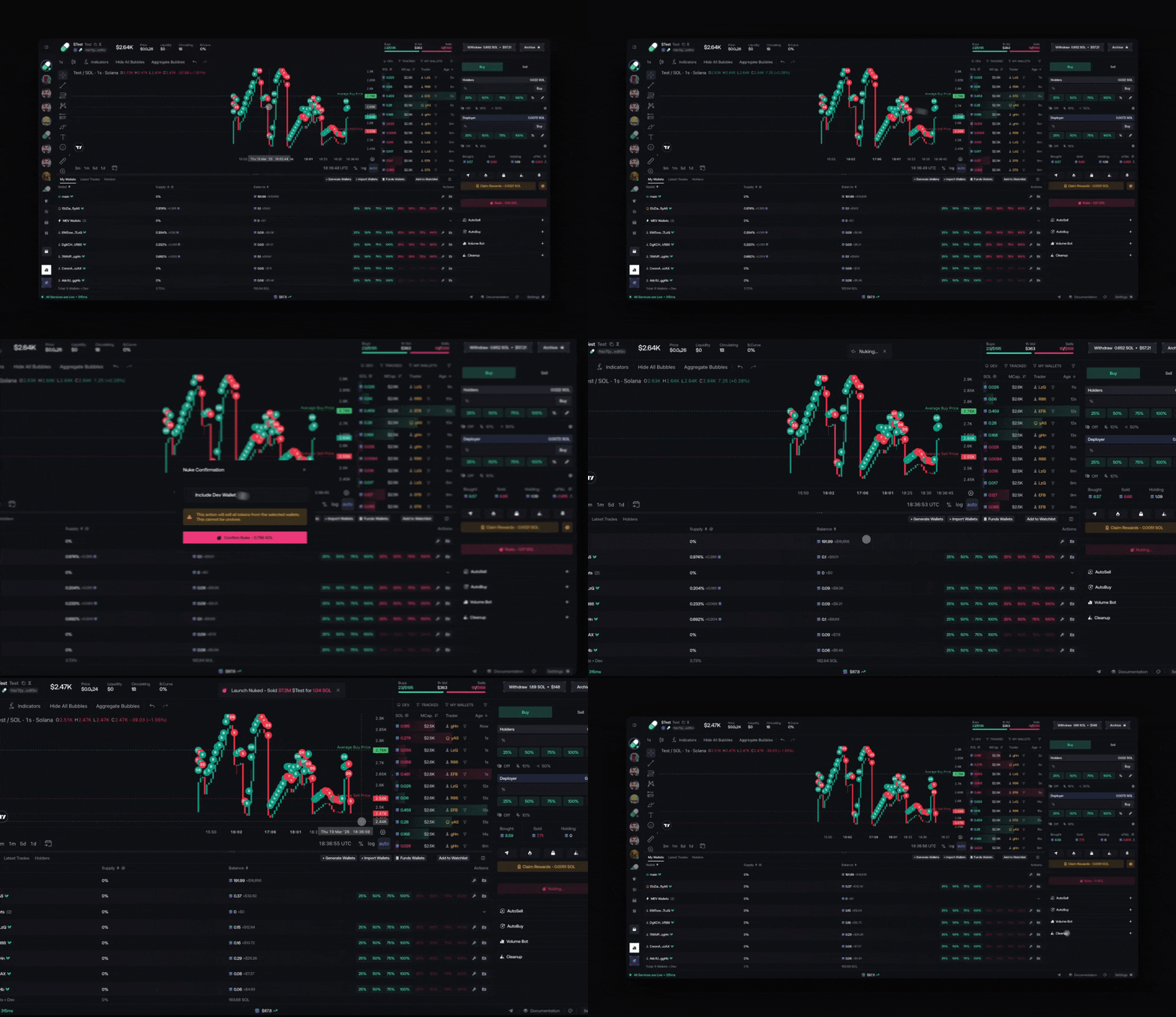
The Nuke button is located in the control panel below Claim Creator Rewards. It displays the estimated SOL return.