Auto-Sell
Automate sells from the Live Workspace with Counter Trading, DCA, or market-cap targets.
Open AutoSell in the right-hand panel of a live launch, then select Configure.
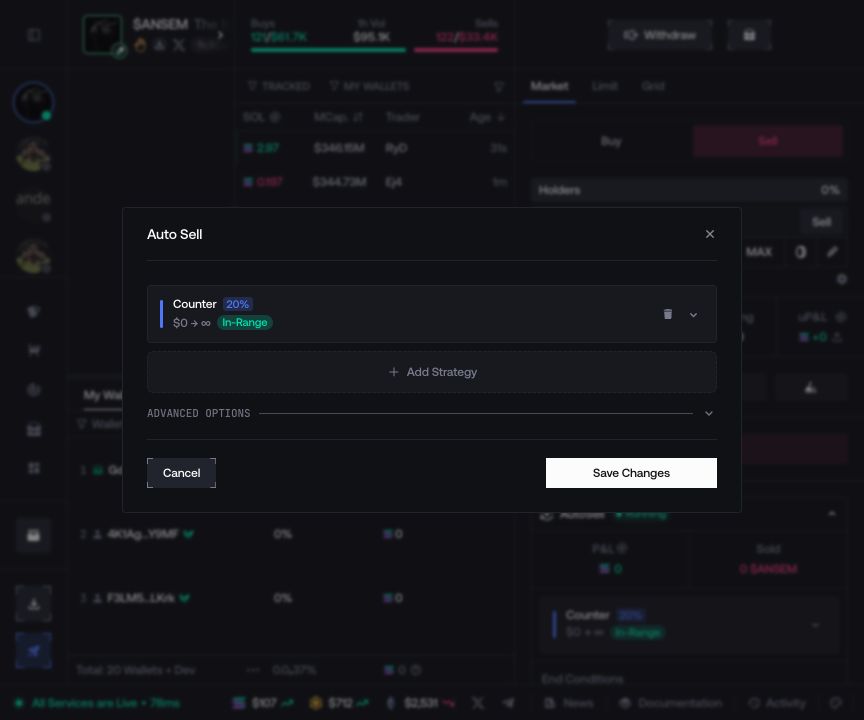
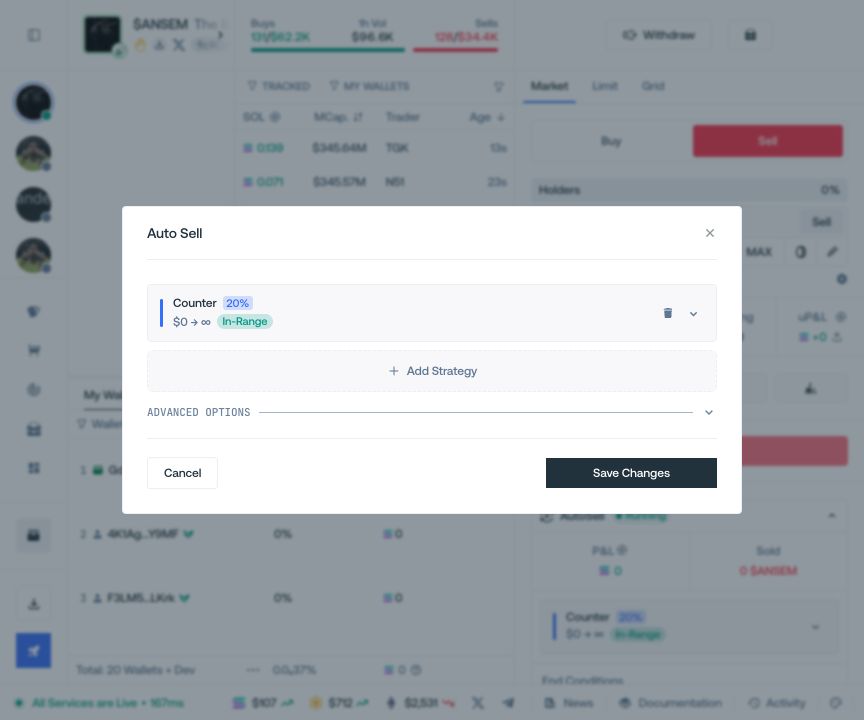
Choose a strategy
Counter Trading reacts to detected buys, DCA sells on a fixed or random delay, and Limit Orders sells at market-cap targets. Use Add Strategy to combine modes; two strategies of the same type cannot have overlapping market-cap ranges.
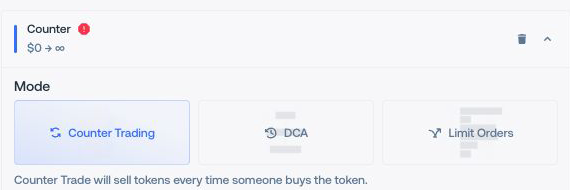
Set its scope
Enter the amount and the trigger, delay, or targets required by the mode. For Counter Trading, Swap Rate randomly triggers a response to each observed buy; Replication Factor sets the amount sold after a trigger. Changing one does not change the other. You can instead use a minimum native amount or minimum token amount. Market Cap Range, Strategy Details, and the whitelist affect only this strategy.
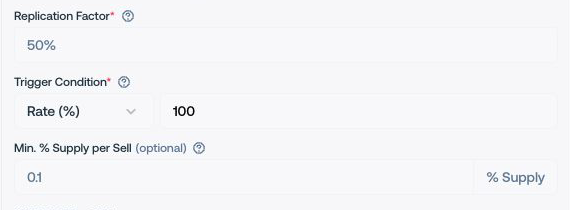
Set the session limits
Open Advanced Options for start delay, slippage, wallets, and global end conditions. Global limits stop the complete session; strategy limits stop only their strategy.
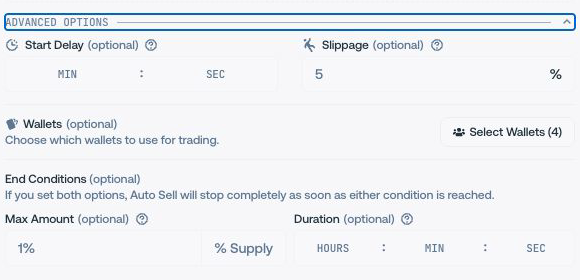
Run and monitor
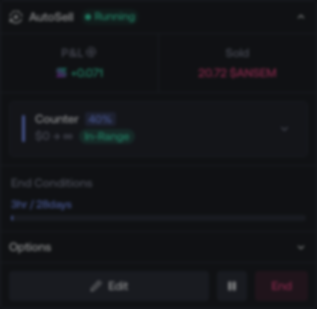
Review the summary, select Run, then use the live panel to edit, pause, resume, or end the session. Ending it does not reverse transactions already submitted.