Overview
Overview

Header

The top bar displays key token metrics in real time.
- Token info: Name, ticker, contract address, social links
- Price: Current token price in USD
- Market Cap: Current market capitalization
- Liquidity: Available liquidity
- Circulating: Circulating supply
- B.Curve: Bonding curve progression
- Buy / Sell volume: Total buy and sell volume with visual bar
- Withdraw: Quick access to Withdraw
- Archive: Archive this launch
Chart
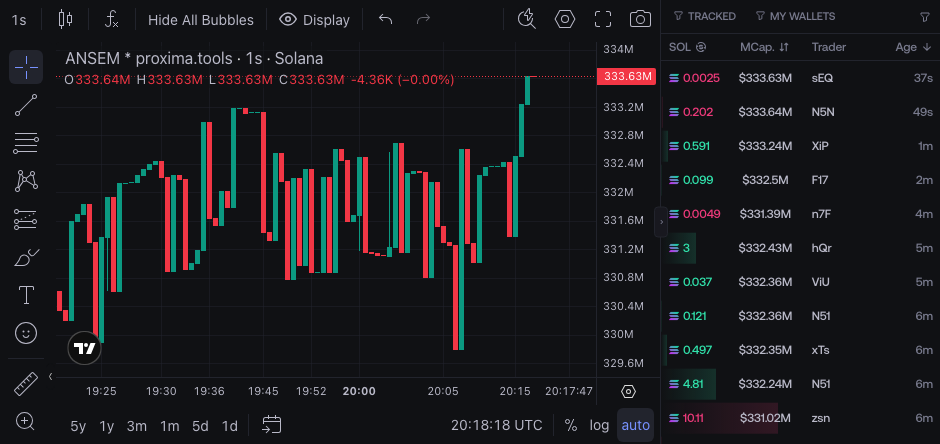
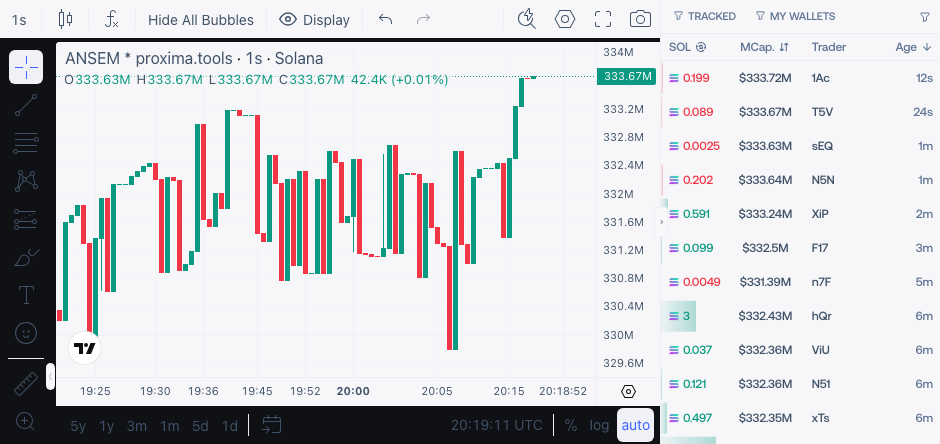
Real-time token chart with Proxima-specific overlays.

- Real-time price updates: Chart updates live as transactions happen
- Buy / Sell bubbles: Visual markers showing when your wallets buy or sell
- Tracked wallet bubbles: See when wallets from your watchlist execute
- Average buy price: Line showing your average entry across all wallets
- Average sell price: Line showing your average exit across all wallets
- Migration line: Visual indicator showing where the bonding curve migration occurs
Trade Feed
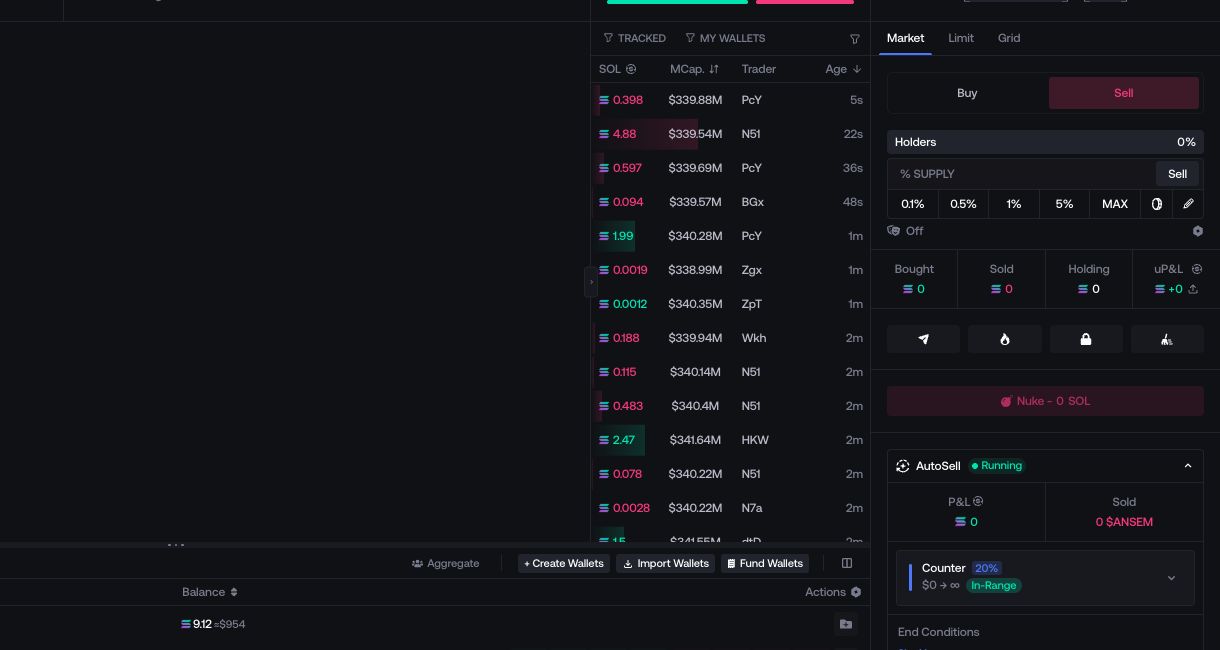
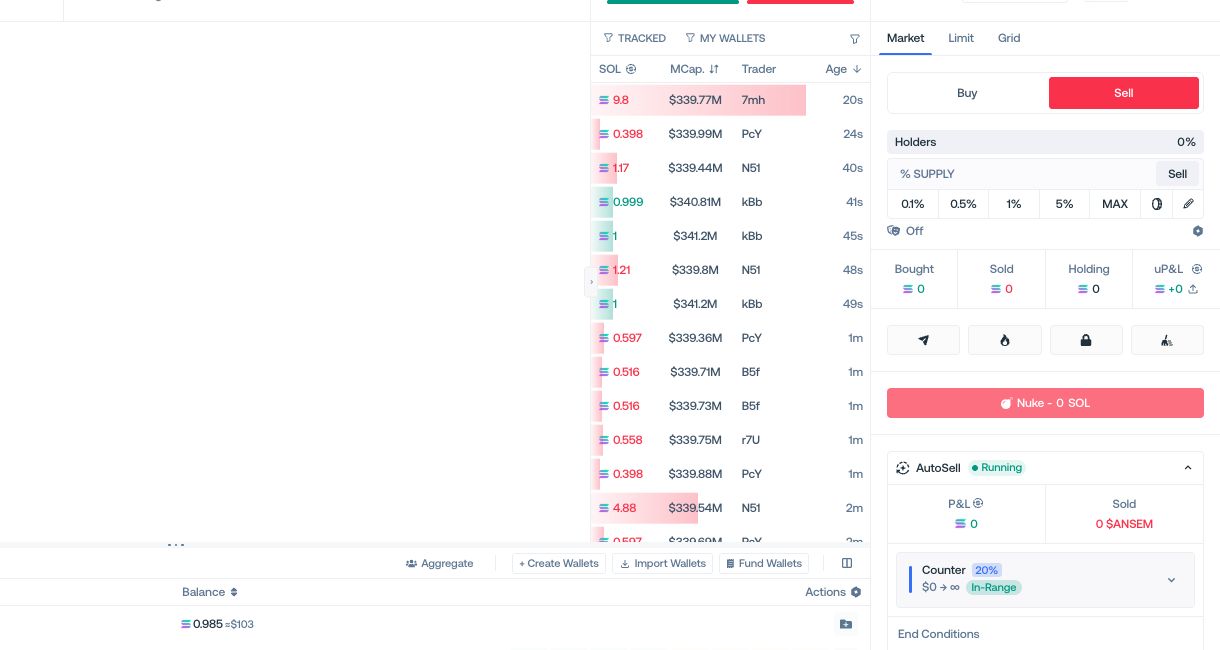
Real-time transaction feed with wallet identification.

- Real-time updates: Every transaction appears instantly as it happens on-chain
- Wallet distinction: Transactions are color-coded and filtered by type
- DEV: Developer wallet transactions
- TRACKED: Wallets from your Watchlist / Bookmark
- MY WALLETS: Your launch wallets
- Filters: Toggle each category to show or hide specific wallet types
- Hover to act: Hover on any trader address to rename it or add it to your Watchlist / Bookmark
Each transaction displays: SOL amount, market cap at time of execution, trader address, and age.
Wallet Table
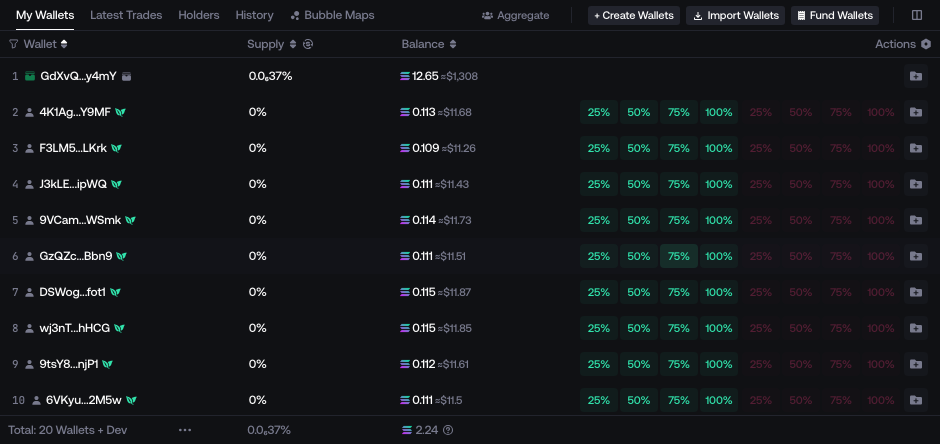
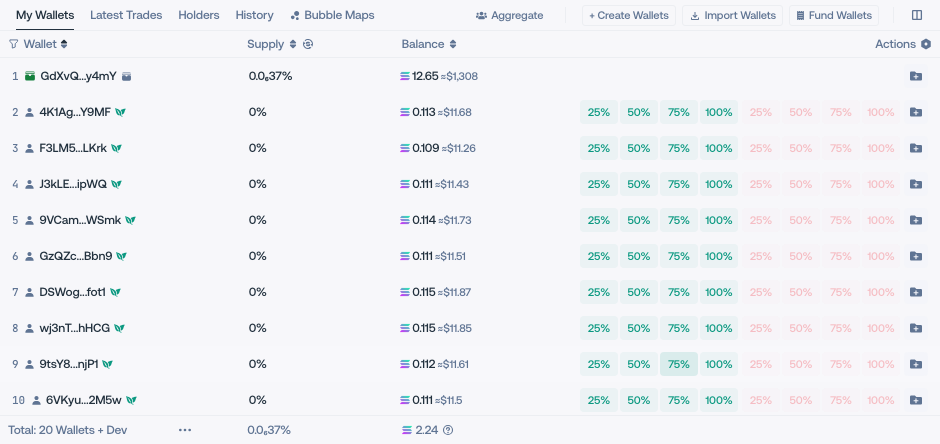
Located at the bottom of the page. Three tabs to navigate between views.

Tabs
- My Wallets: Your launch wallets
- Latest Trades: Recent transactions across all wallets
- Holders: All token holders
Wallet Info
Each wallet displays:
- Address
- Supply %
- Balance (SOL + USD)
- Actions: Buy, Sell, export key, add to folder
Wallet Actions
- Generate Wallets: Create new wallets and add them to this launch
- Import Wallets: Import existing wallets from your wallet list
- Fund Wallets: Fund wallets directly from the Live page
- Add to Watchlist / Bookmark: Track a wallet
Control Panel
The right panel contains all execution controls.

Buy & Sell on Holders & Deployer
Toggle between Buy and Sell at the top of the panel.
Quick sell controls for Holders and Deployer separately.
- % OWNED input with preset buttons (5%, 25%, 50%, 75%, 100%)
- Edit button to configure advanced sell parameters

Buy - Sell: Full documentation
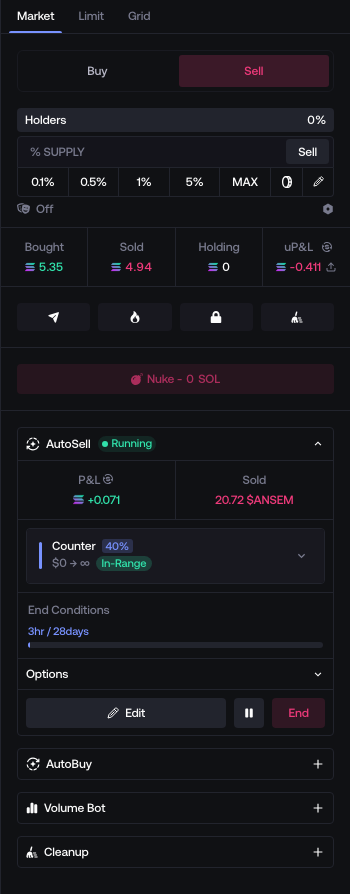
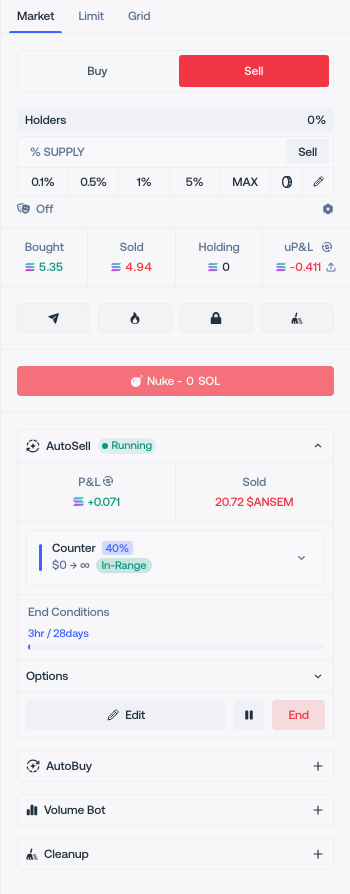
Stats

Per-launch statistics :
- Bought: Total SOL spent
- Sold: Total SOL received
- Holding: Current token value
- uP&L: Unrealized profit and loss
Quick Actions

Action buttons for supply management and utilities :
- Send Tokens → Send Tokens
- Burn Supply → Burn Supply
- Lock Supply → Lock Supply (Via Streamflow)
- Cleanup → Cleanup
- Update DexScreener → Update DexScreener
- Claim Creator Rewards → Claim Creator Fees
- Nuke → Sell
Market Making

Expandable sections at the bottom of the panel :
- AutoSell → Auto-Sell
- AutoBuy → Auto-Buy
- Volume Bot → Volume Bot
- Cleanup → Cleanup