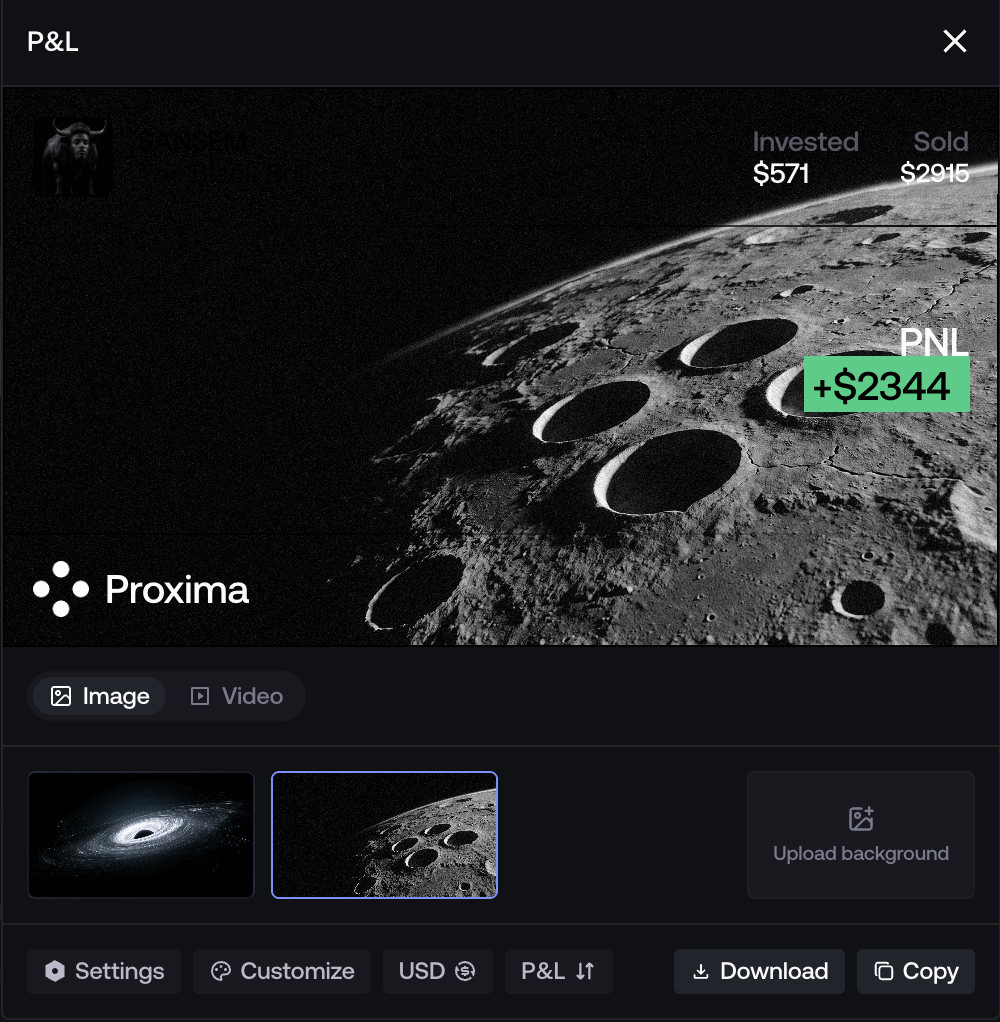
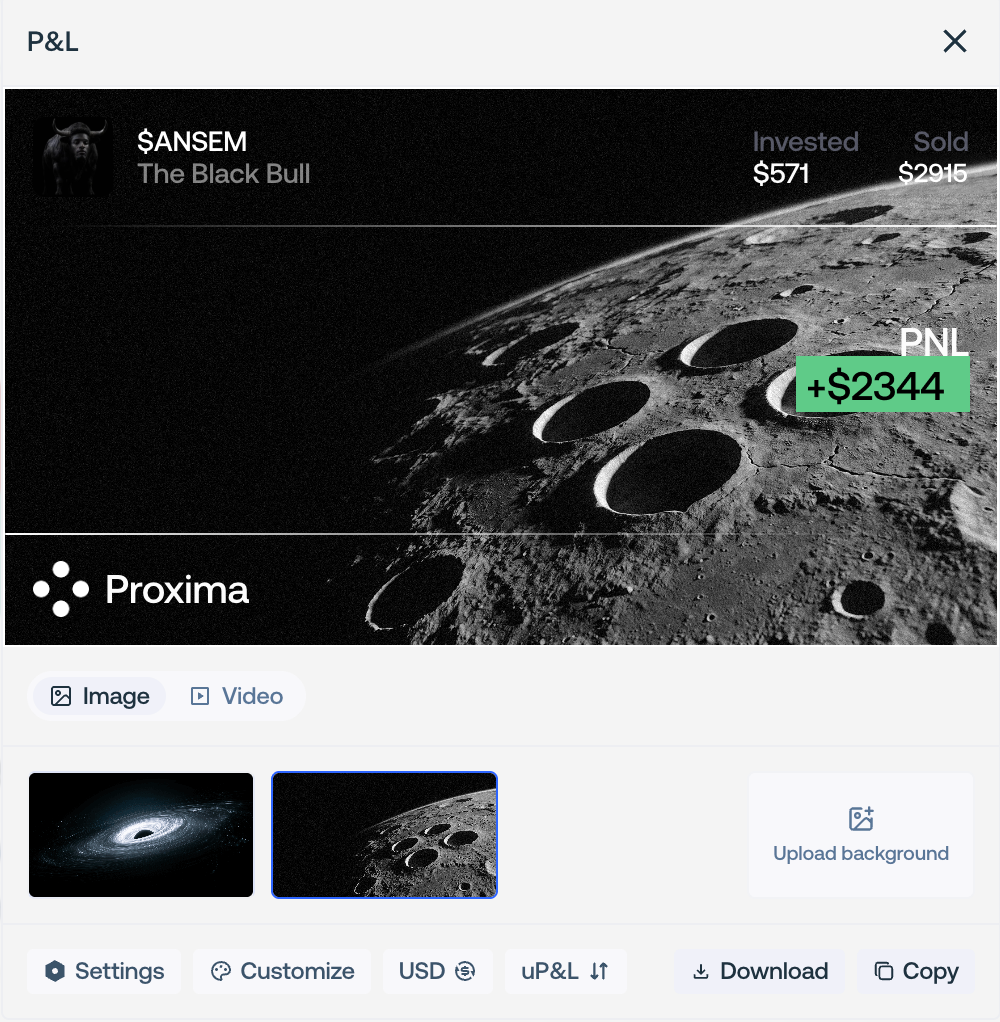
Create P&L Cards
Turn a dashboard period into a shareable performance image or video.
P&L cards present dashboard data as an image or video. They do not submit transactions or change the underlying account data.
Open the Dashboard and select the intended network, currency, and timeframe.
Open the P&L Calendar, choose the period, then select Share P&L Card.
Choose realized or unrealized P&L and review every value in the preview.
Customize the background, theme, text color, chart lines, and visible account or token details.
Copy or download an image, or wait for a video render to finish before downloading it.
Review before sharing
- Confirm that the selected period, network, and currency match the claim made by the card.
- Hide the username, token, invested amount, sold amount, or chart lines when they should not be public.
- Trim and mute a video background before export.
- Review the final downloaded file, not only the editor preview.