
Archived / Deleted
For tokens that were **launched**, and then archived manually.
Proxima allows you to clean up or pause your launches by archiving or deleting them without losing access to their data.
There are two types of saved launches:
:box: Archived Launches
For tokens that were launched, and then archived manually.
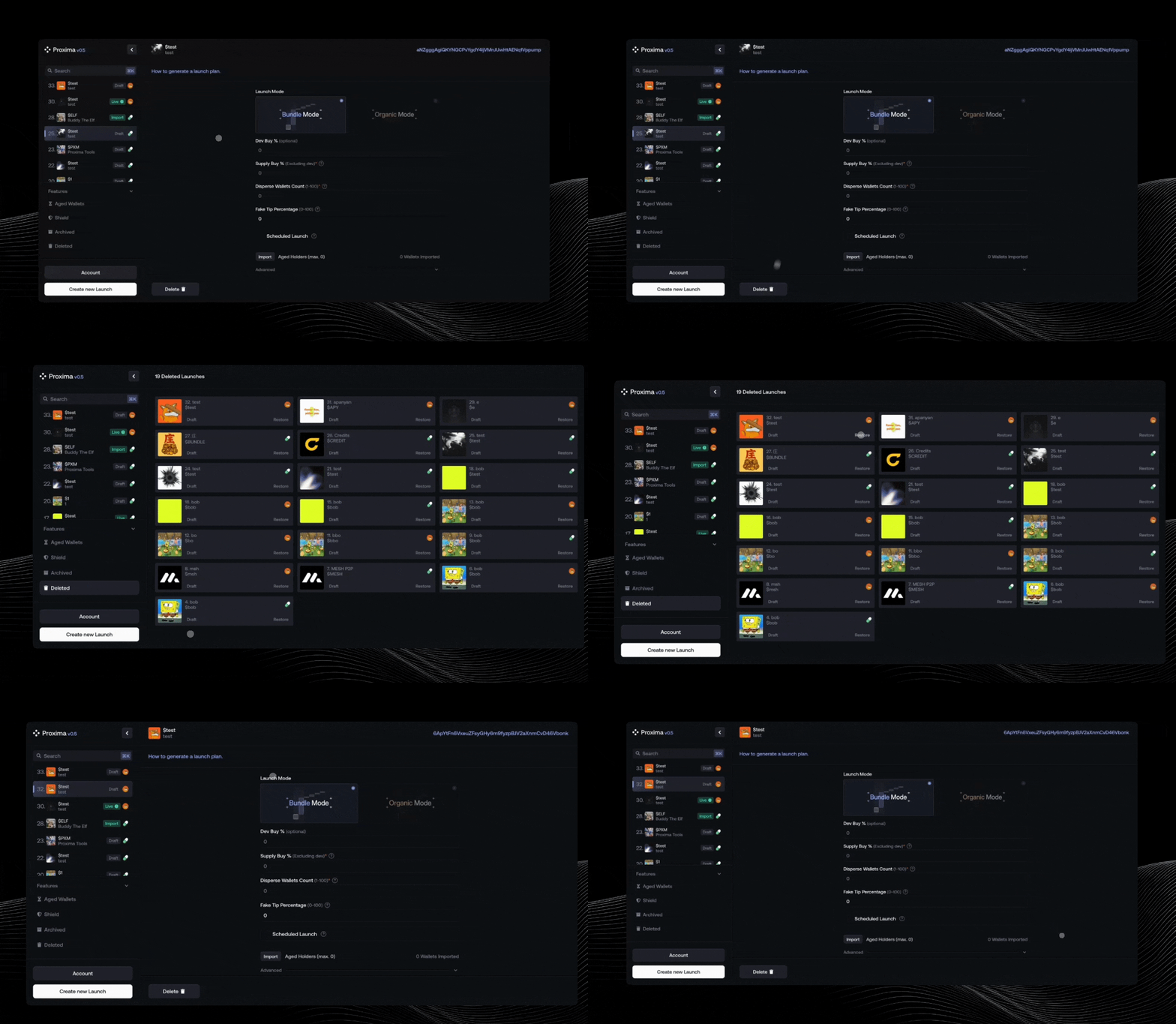
- You can archive a launch from the bottom of the Live page
- Archived tokens stay visible in your dashboard, under the “Archived” tab
- You can:
- 🔁 Restore the launch and make it live again
- 👁️ View its Live page by clicking “See Launch”
:trash: Deleted Drafts
For unlaunched tokens (drafts) that you decide to discard.
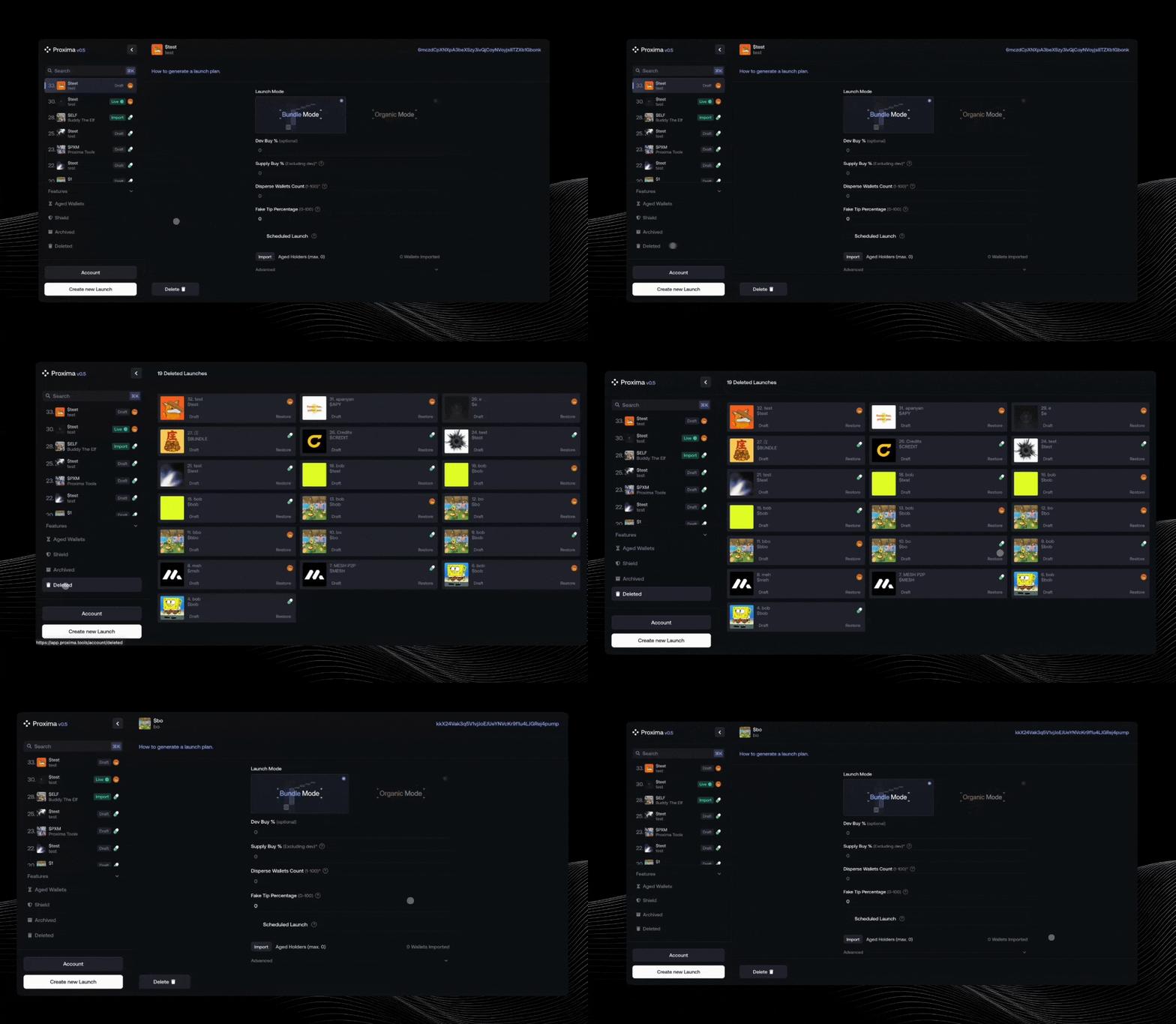
- You can delete any draft from the token page
- Deleted drafts are moved to the “Deleted” tab
- You can:
- ♻️ Restore the draft
- ✏️ Rebuild your launch plan from scratch