
Generate Activity
How to Generate Activity
To generate activity, select one or more wallets from the wallet table, then click Generate Activity.
A modal opens where you can configure how wallets will perform repeated buy and sell actions over time.
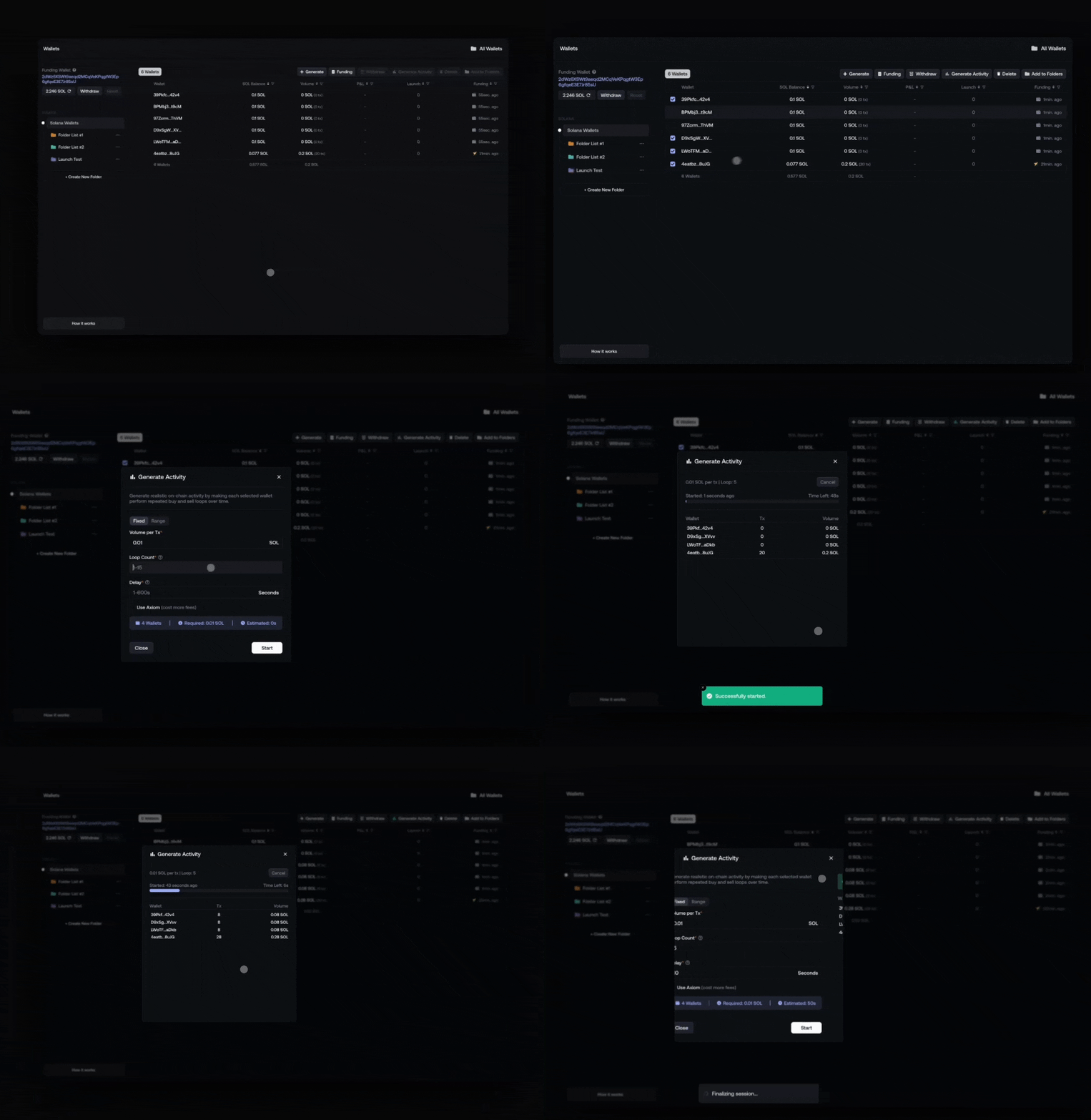
Activity Settings
Volume per Tx
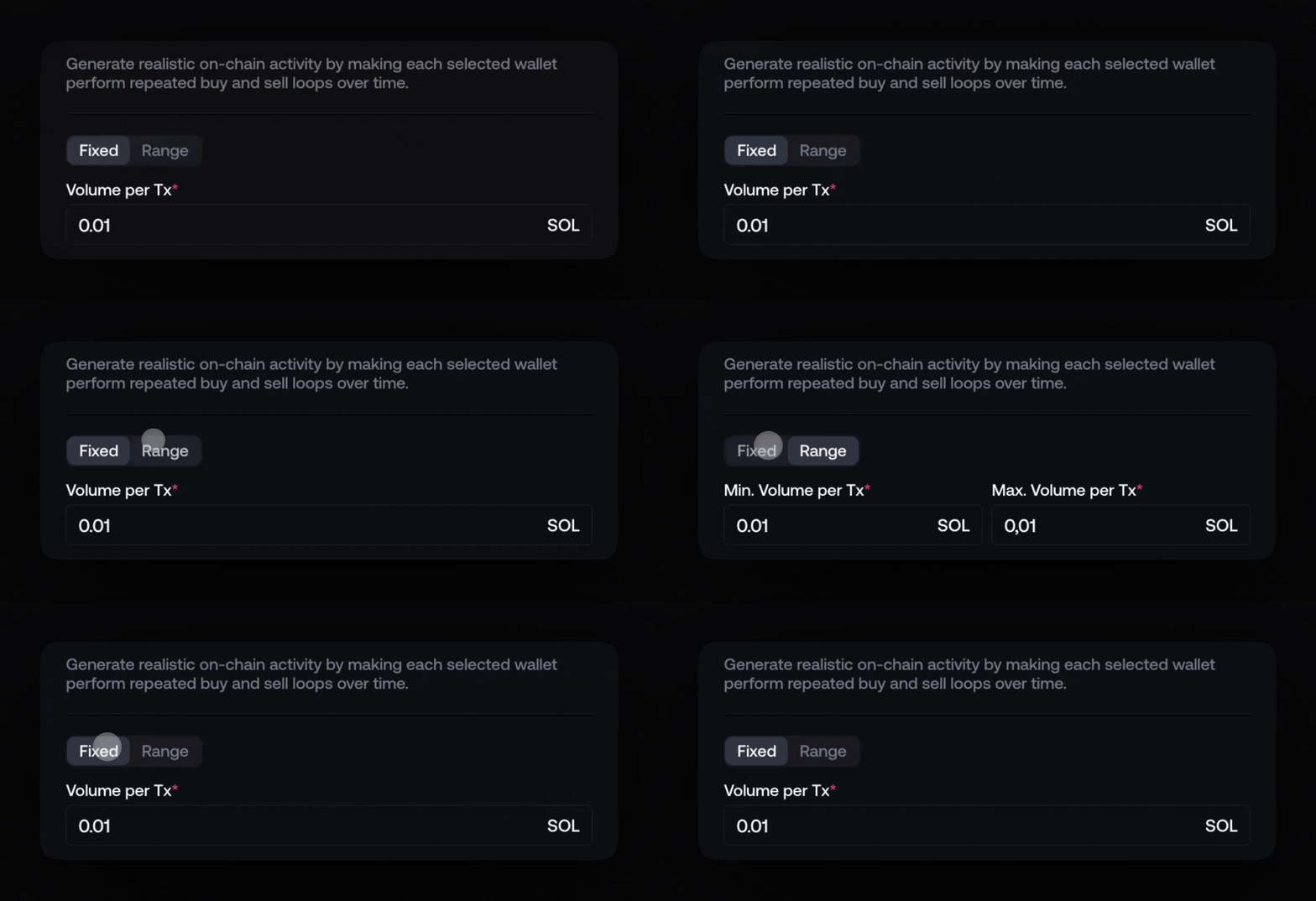
Defines the amount used for each buy and sell transaction.
- Can be set as a fixed value
- Or as a randomized range to avoid repetitive patterns
Loop Count

Number of buy → sell cycles each wallet will perform.
- Each loop equals one buy and one sell
- Higher loop counts create deeper transaction history
Delay

Time between each loop execution.
- Short delays → faster activity
- Longer delays → more natural behavior
Use Axiom (optional)

When enabled, activity is routed through Axiom.
This makes wallets appear as if they interacted with Axiom on-chain, improving stealth on analytics tools.
Ongoing Activity Status
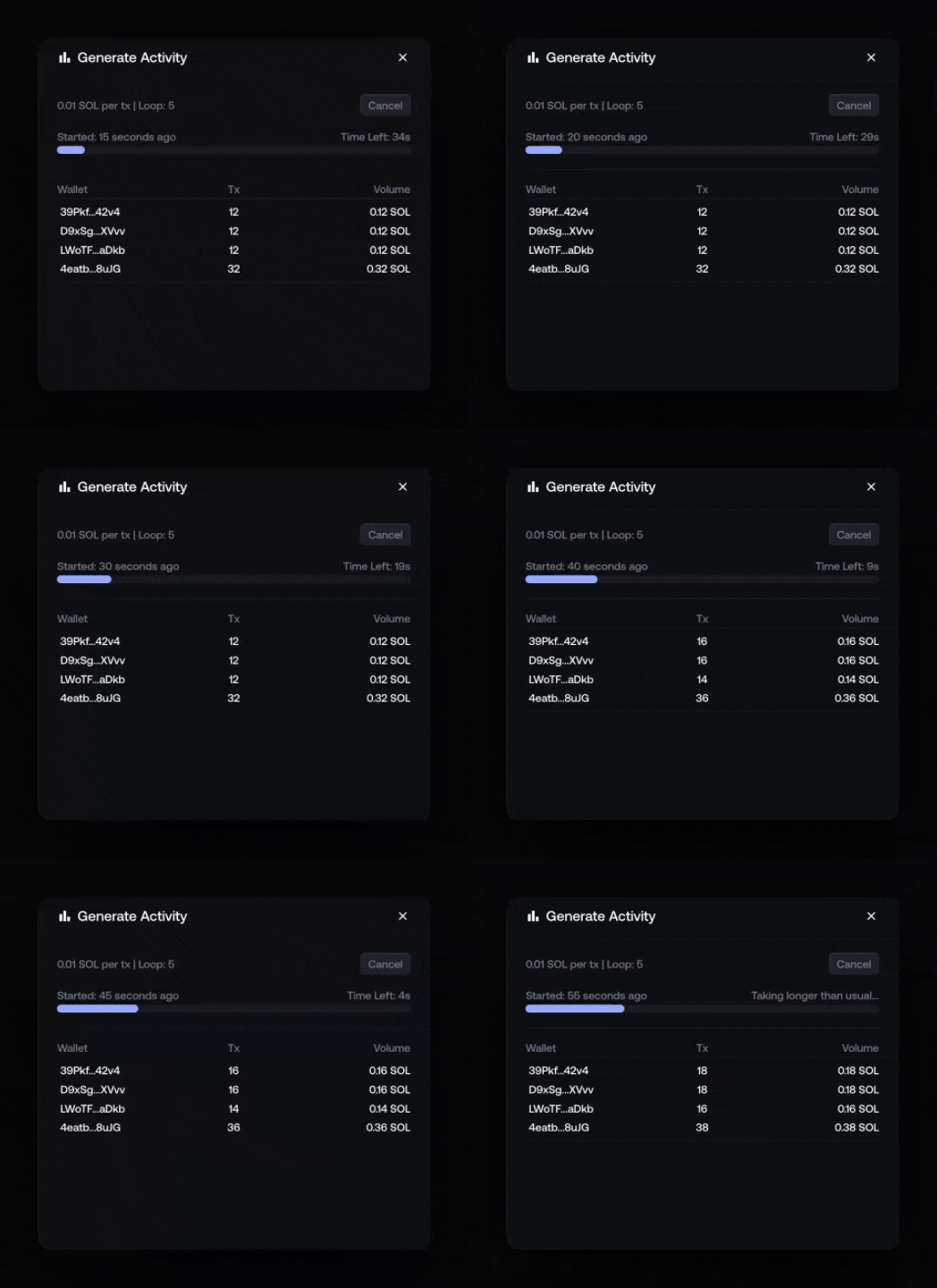
Once activity starts, Proxima displays a live status window showing:
- Activity configuration
- Start time and estimated time left
- Execution progress
- Per-wallet transaction count and volume
When to Use Generate Activity
Generate Activity is useful when:
- Wallets are funded but unused
- Preparing wallets before a launch
- Avoiding fresh-wallet flags
- Simulating realistic on-chain behavior