Withdraw Funds
Move a network’s native asset from launch or account wallets to a destination.
Choose the source
Open Withdraw from the launch or wallet context that contains the native asset. Confirm the active network before selecting wallets.


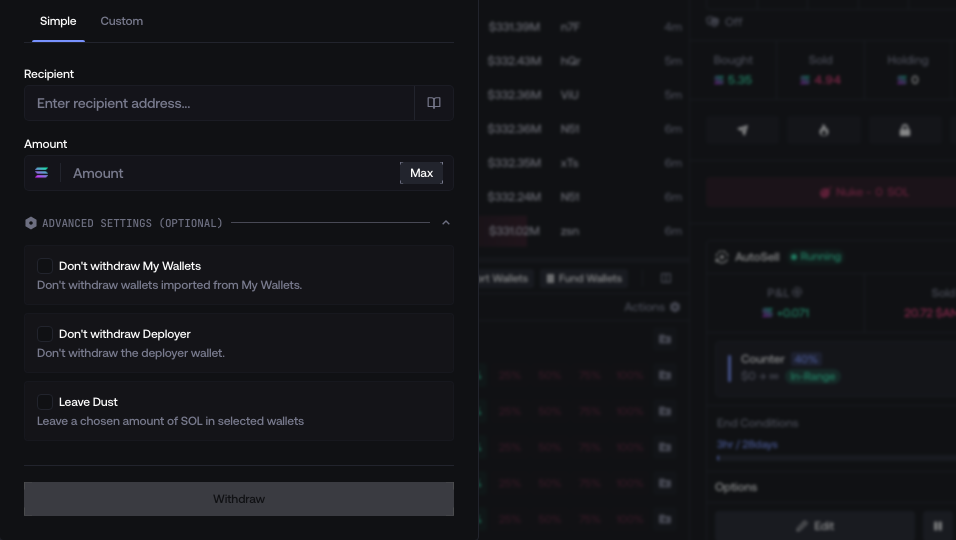
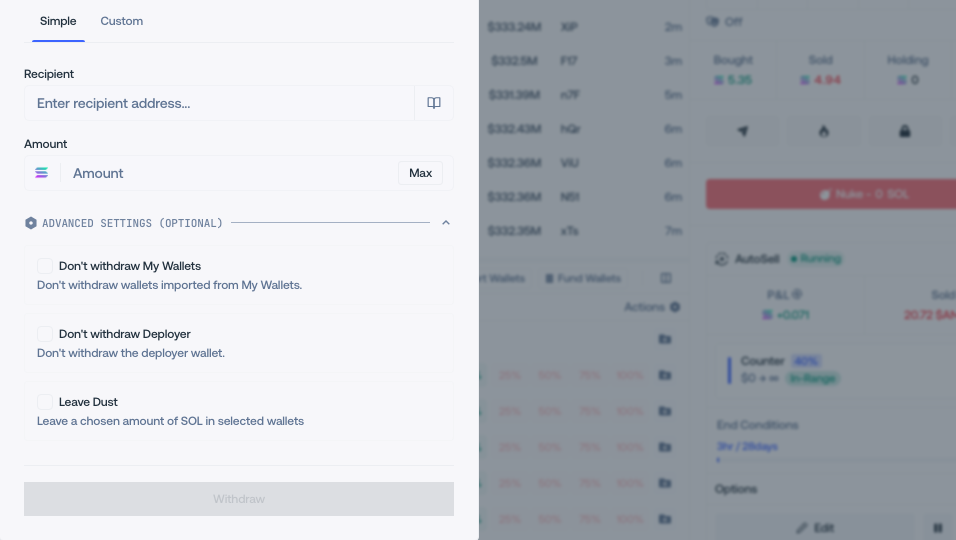
Use Simple mode
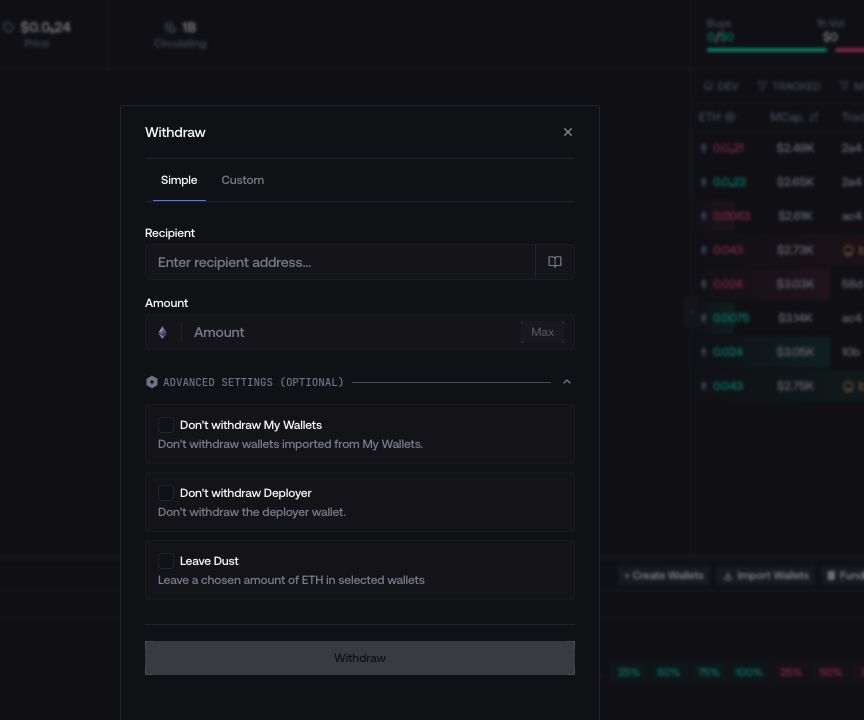
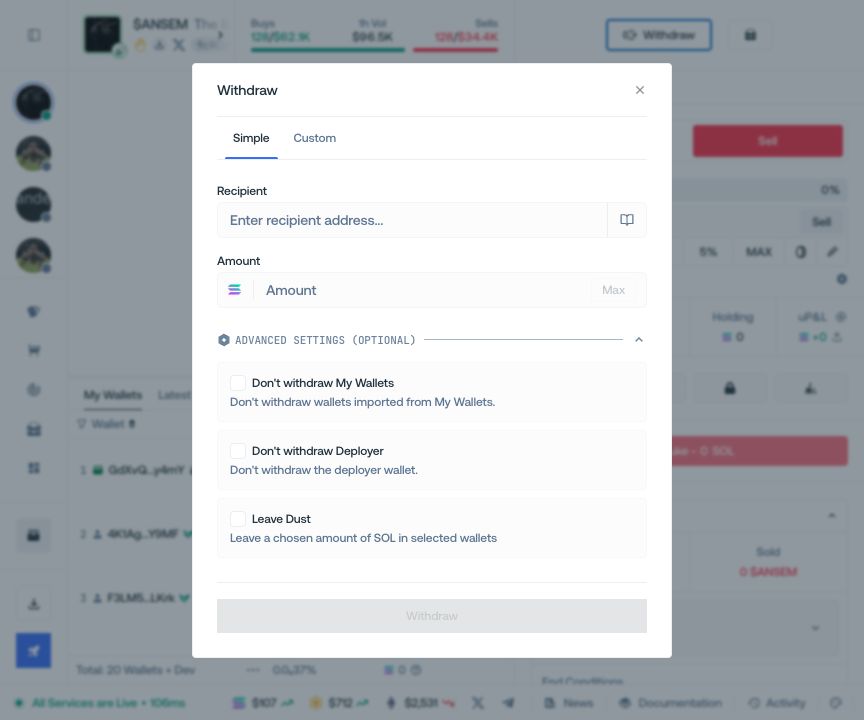
Apply one destination and one amount rule to the selected wallet set. Leave Dust keeps a fixed or randomized native balance in every included wallet.
Use Custom mode
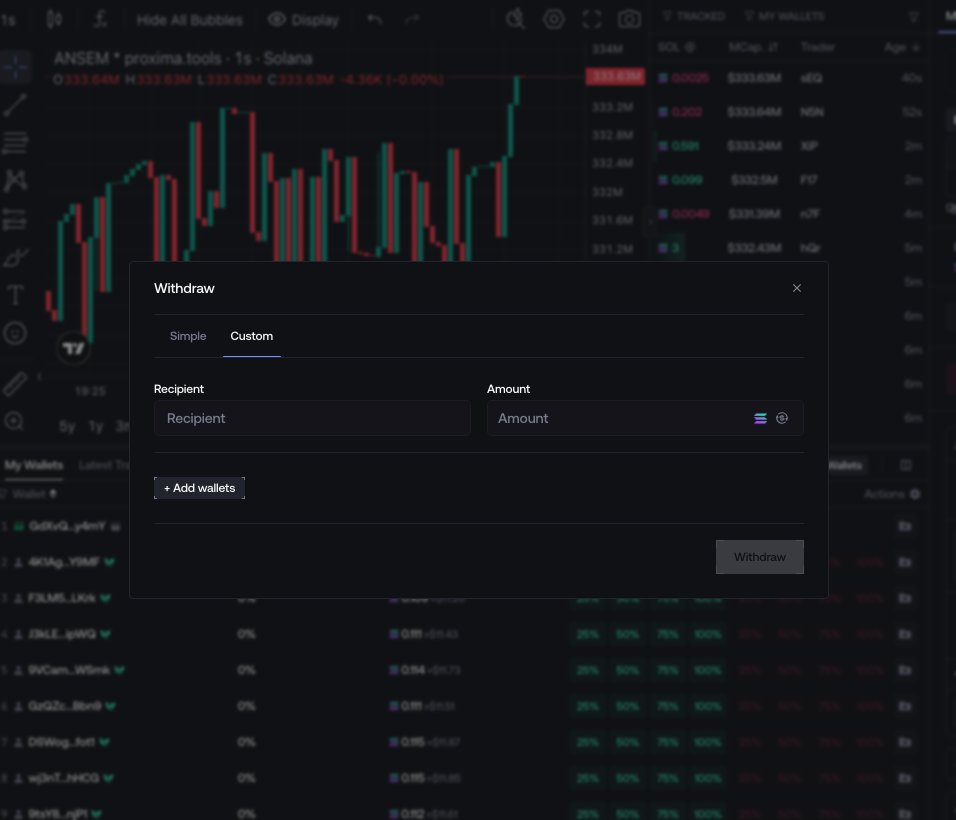
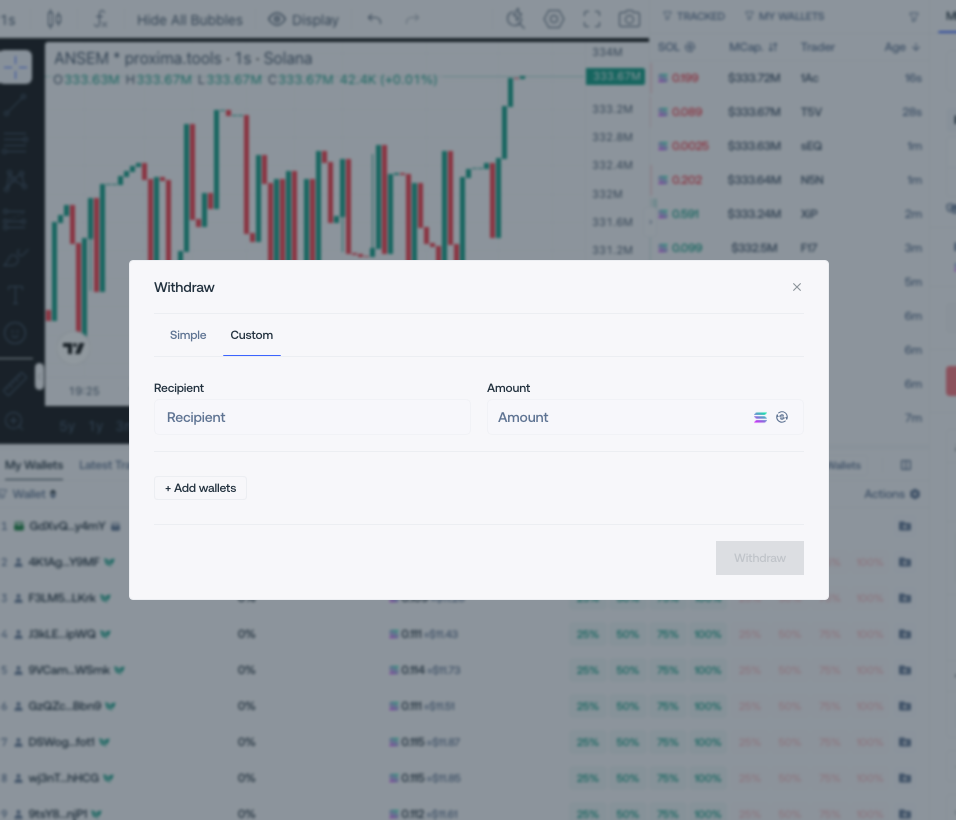
When every transfer differs, configure its source, recipient, and amount row by row. Shared controls can apply the same recipient or amount to every row.
Review and withdraw
Check the complete destination, network, selected wallets, amounts, exclusions, and dust rule before submitting. For an unfamiliar destination, send a small test amount first.
Keep recurring addresses identifiable
Track and bookmark an address, then select it from the withdrawal recipient picker.
Open Tracker